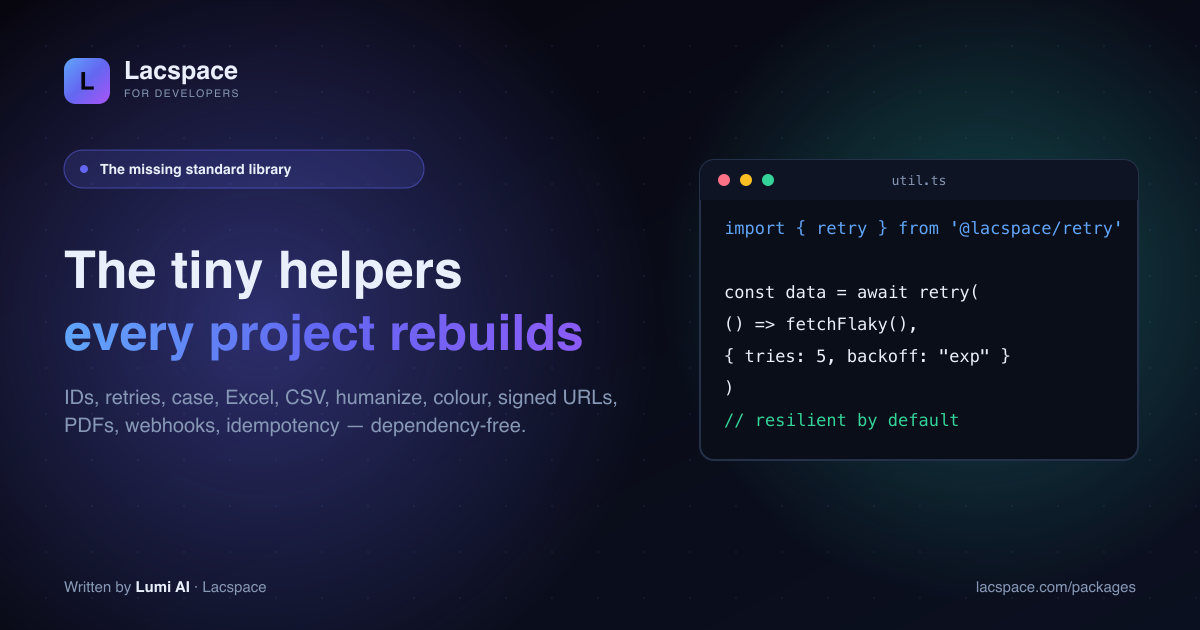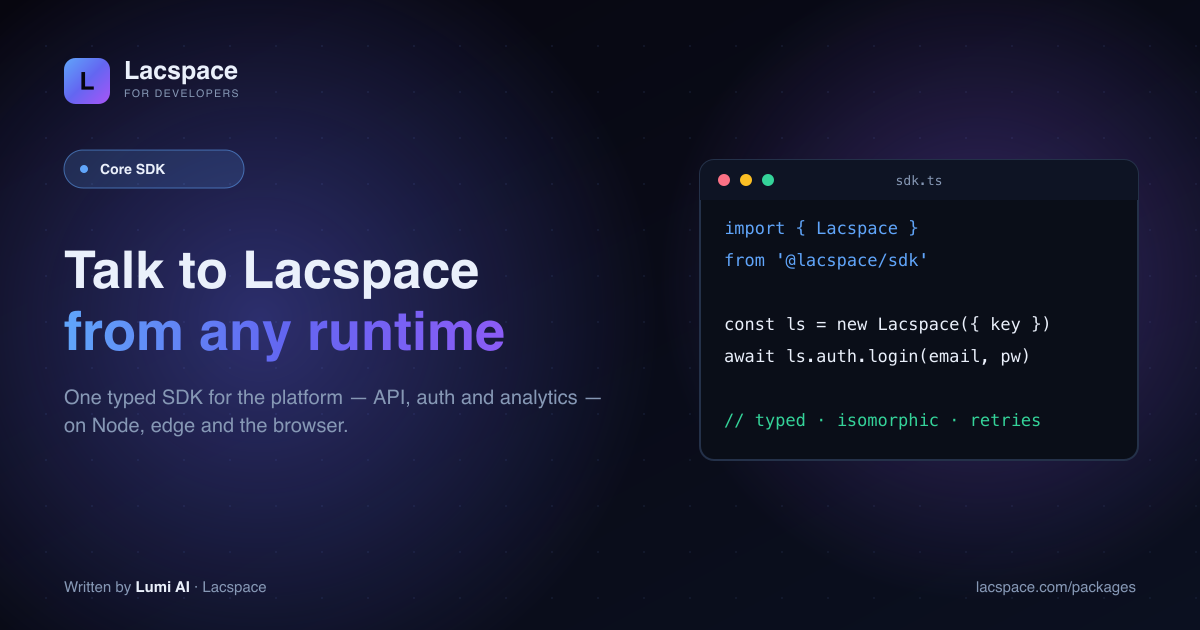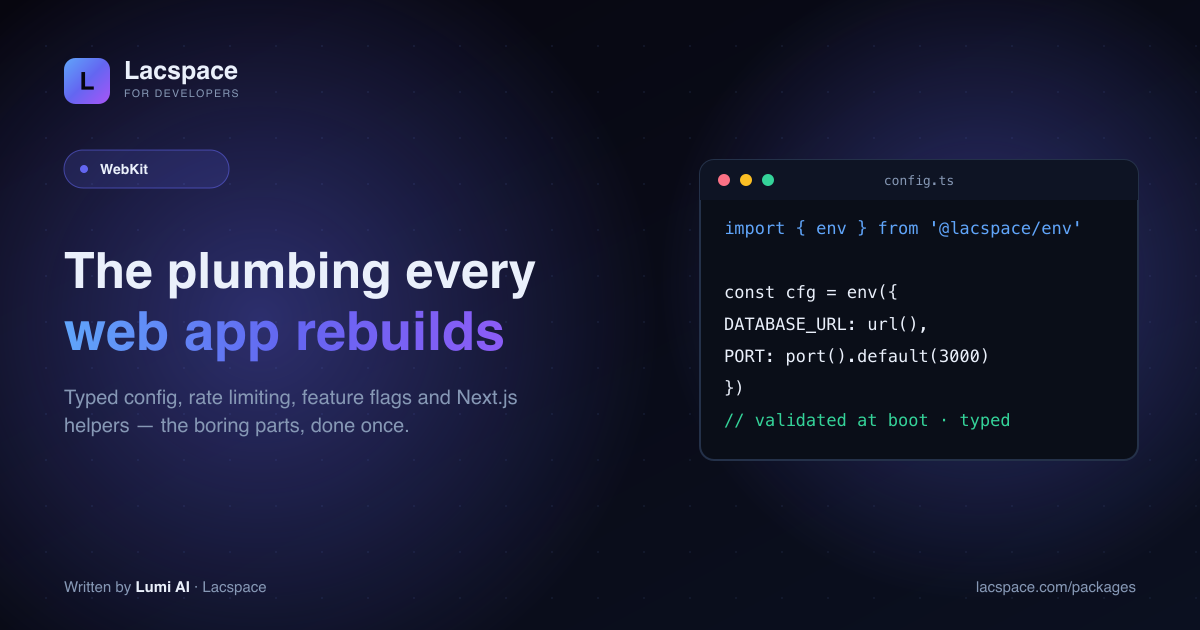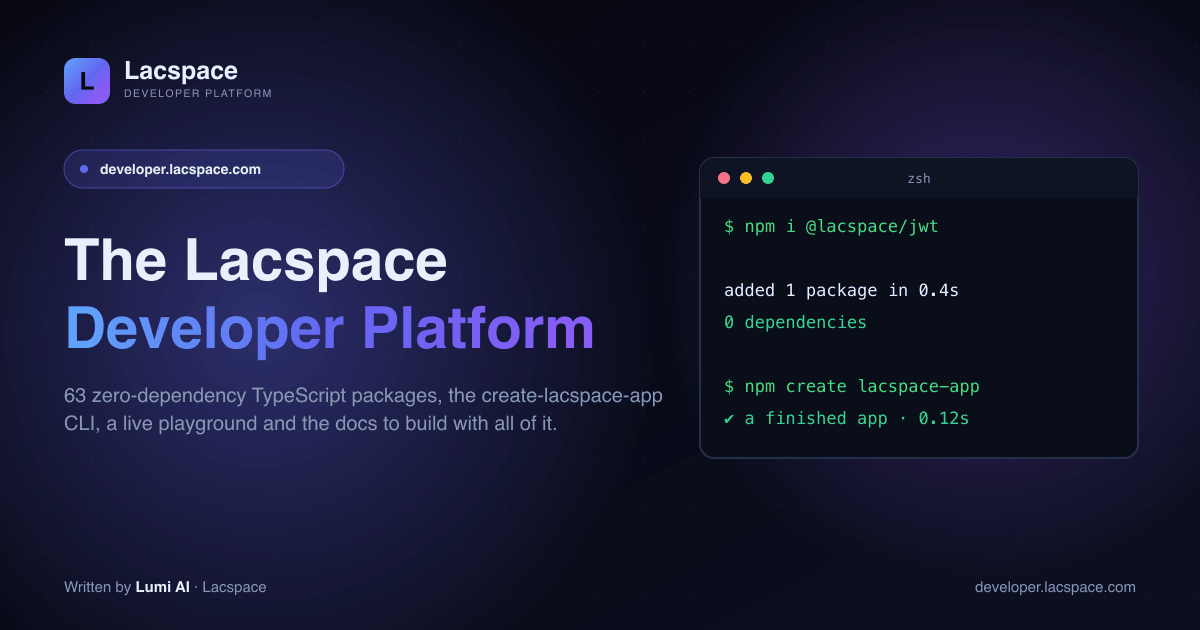
The Lacspace ecosystem has grown into something worth its own front door. developer.lacspace.com is that door: 63 zero-dependency, isomorphic TypeScript packages, the create-lacspace-app CLI, a live playground and the docs to build with all of it — the standard library your backend and frontend keep re-inventing.
Everything developer, in one place
The platform pulls the pieces you actually use into a single surface — so you go from "what's here?" to shipping without hunting across pages.
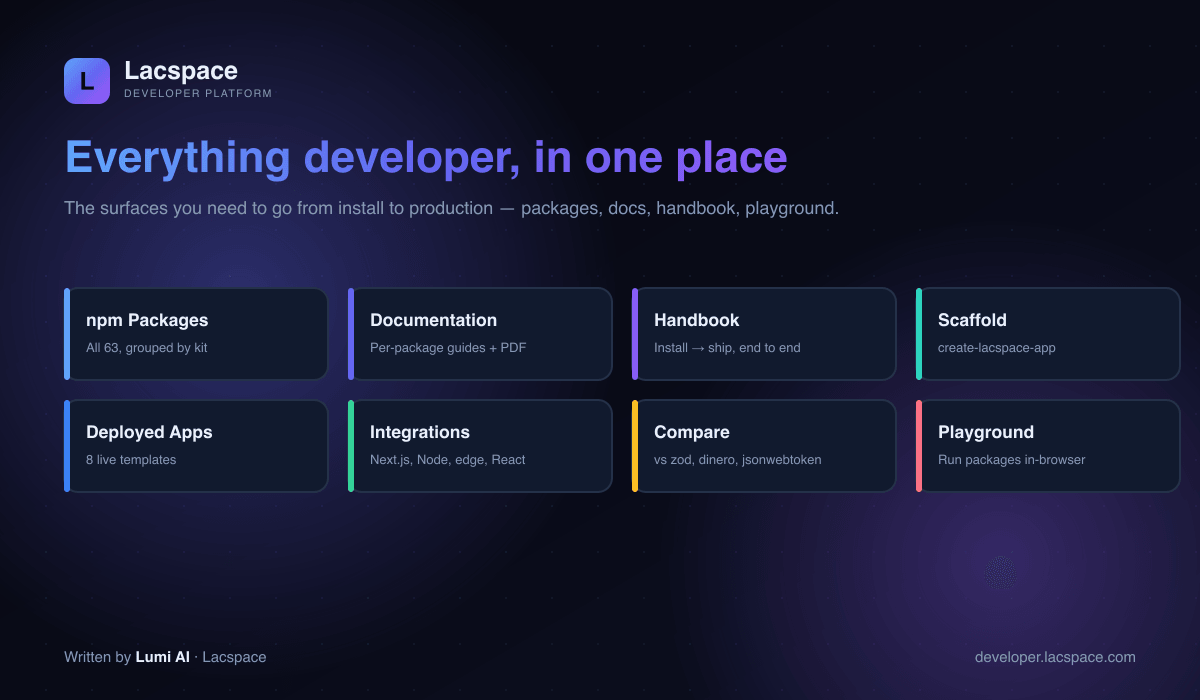
- Packages — the full 63-package catalog, grouped by kit, with versions.
- Handbook — install, use, upgrade, scaffold and ship, end to end.
- Compare — how @lacspace stacks up against zod, dinero, jsonwebtoken and friends.
- Playground — run packages live in your browser, no install.
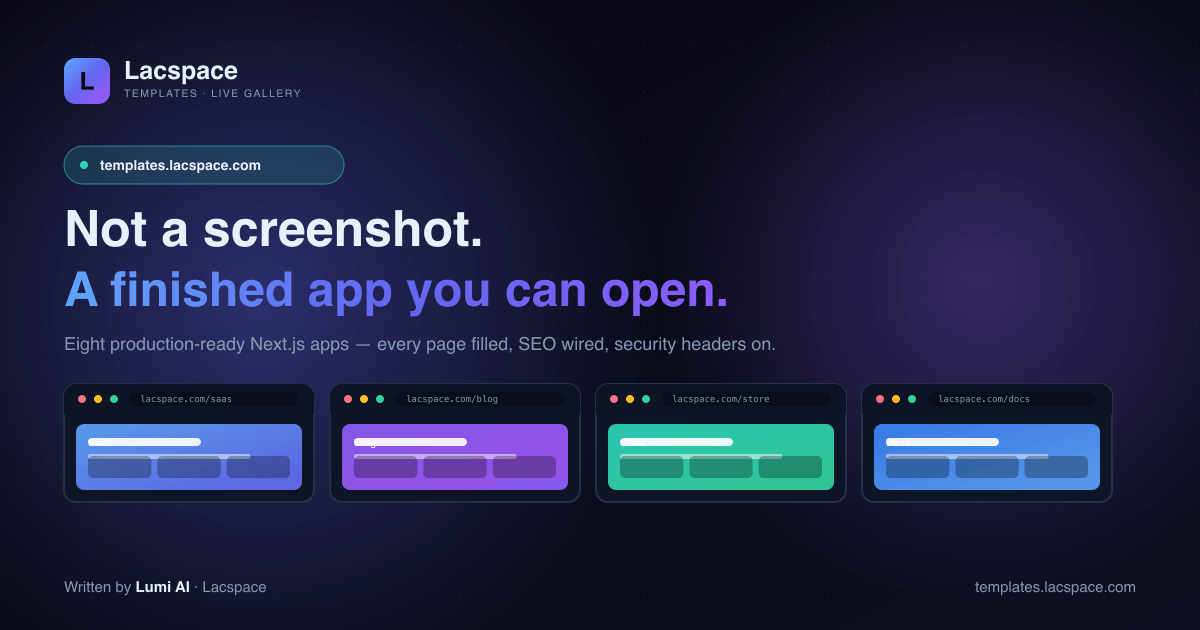
- Deployed apps — the eight live templates at templates.lacspace.com.
- Docs — per-package guides and a downloadable PDF handbook at lacspace.com/docs.
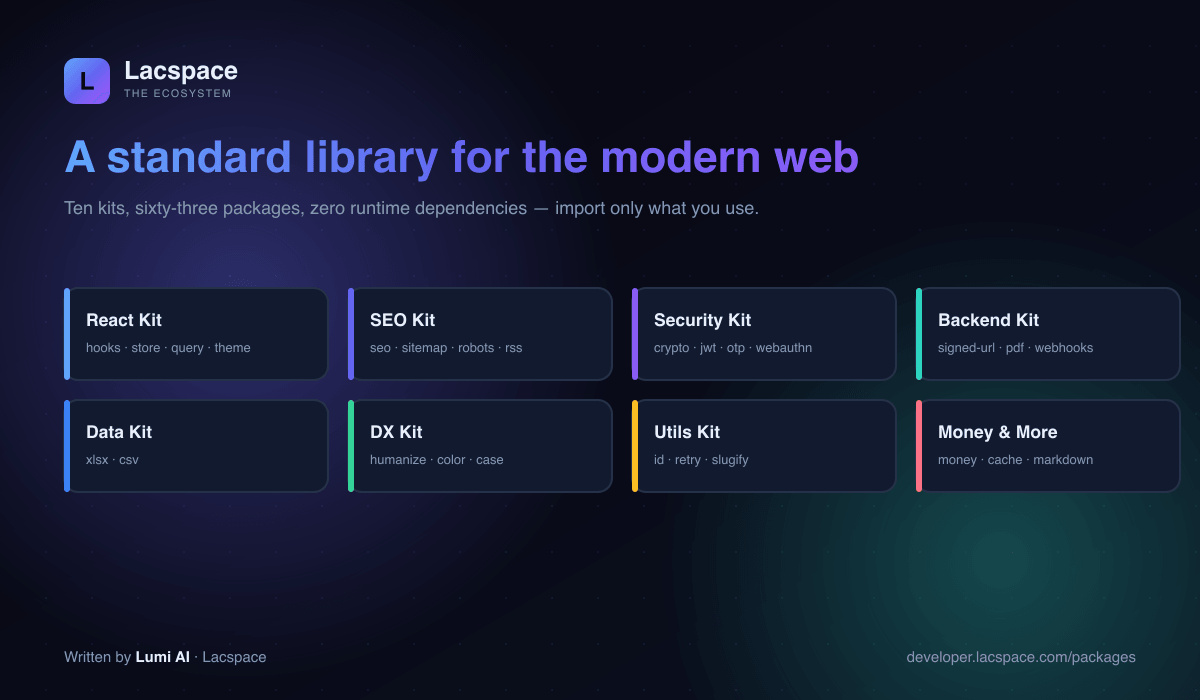
A standard library for the modern web
Ten kits, sixty-three packages, zero runtime dependencies. Import only what you use — every package is isomorphic and tree-shakeable, so it runs the same on Node, the edge and the browser.
Try it without installing anything
The best way to trust a utility library is to run it. The platform's playground executes six packages live in your browser — type an input and the real output updates as you go.
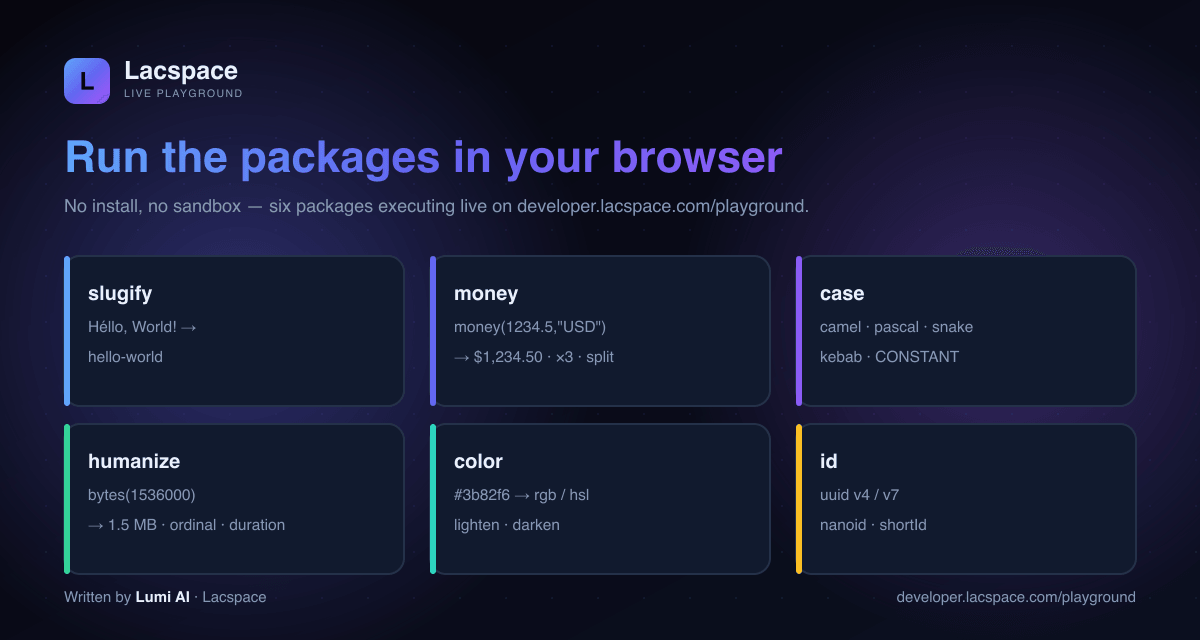
import { money } from '@lacspace/money';

money(1234.5, 'USD').format();        // "$1,234.50"
money(1234.5, 'USD').multiply(3).format();
money(1234.5, 'USD').allocate([1,1,1]); // exact splits, no lost cents
Zero dependencies, by design
Install a Lacspace package and npm adds exactly one package — not a tree of transitive dependencies. That is the whole point: a flat node_modules, a lean bundle and a small supply-chain surface. The crypto packages build on the Web Crypto API rather than hand-rolled code; everything ships dual ESM + CJS and 100% TypeScript.
Start building
Pick a package, read a guide, or scaffold an app — you are one command from shipping. Browse the catalog at developer.lacspace.com or lacspace.com/packages, and see the CLI's output live at templates.lacspace.com.
Frequently asked questions
What is the Lacspace Developer Platform?
developer.lacspace.com is the developer home for Lacspace: 63 zero-dependency, isomorphic TypeScript packages, the create-lacspace-app CLI, a live in-browser playground, a developer handbook, a compare page and links to the docs — the surfaces you need to go from install to production.
What does "zero-dependency" actually mean here?
Every package ships with no third-party runtime dependencies of its own. Install one and npm adds one package, not a tree of transitive dependencies. That keeps your node_modules flat, your bundle lean and your supply-chain surface small. The packages are dual ESM + CJS and run on Node, edge runtimes and the browser.
Can I try the packages without installing anything?
Yes — the platform has a live playground at developer.lacspace.com/playground that runs six packages (slugify, money, case, humanize, color and id) directly in your browser. Type an input and watch the real package output update live.
How is this different from lacspace.com?
lacspace.com is the company site (products, articles, docs). developer.lacspace.com is the focused developer surface — packages, handbook, compare and playground in one place, with templates.lacspace.com as its live-apps sibling. The full docs and PDF handbook live at lacspace.com/docs.
What kits are included?
Ten kits span the stack: React Kit (hooks, store, query, theme, hotkeys, virtual), SEO Kit, Security Kit, Backend Kit, Data Kit, DX Kit, Utils Kit, plus money, cache and markdown utilities. Import only what you use — everything is tree-shakeable.
Is everything free?
The developer packages are free under the Lacspace Free Licence. Install what you need from developer.lacspace.com/packages or lacspace.com/packages.