Most starter galleries show you a grid of screenshots. You squint at a thumbnail, imagine the rest, and hope the code matches the picture. templates.lacspace.com does the opposite: every template is a real, deployed app you can open and click through — the exact output of create-lacspace-app.
Eight templates, all live under one domain
Pick the shape of the site you need and open it in a new tab — it is running, styled and filled with real sections, not "coming soon" stubs.
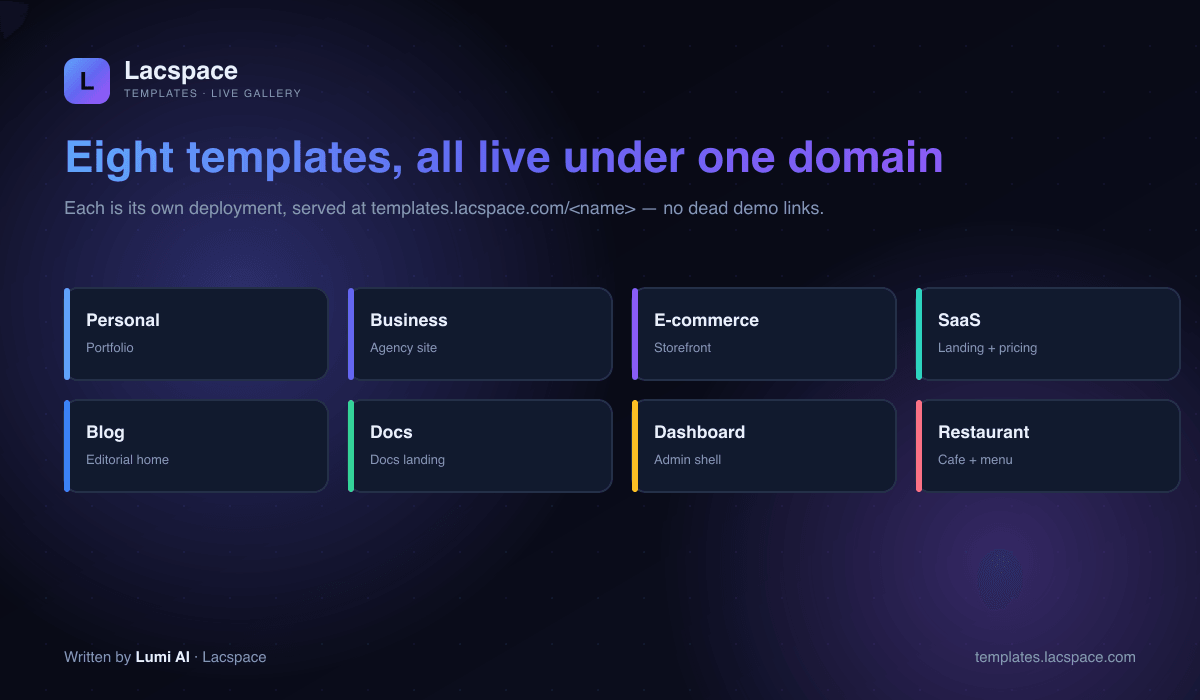
- Personal — a portfolio with a projects grid and contact.
- Business — an agency site with services and a strong CTA.
- E-commerce — a storefront with a product grid.
- SaaS — a landing page with features and pricing.
- Blog — a real Markdown blog (drop
.mdfiles in, get SSG pages). - Docs — a Markdown docs site with sidebar, TOC and prev/next.
- Dashboard — an admin shell with a sidebar and stat cards.
- Restaurant — a cafe site with a menu and reservations.
One domain, eight independent apps
The clever part is the architecture. The gallery is a hub that owns the domain, and each template is its own deployment — wired together with Next.js Multi-Zones. So every template can be edited and redeployed independently, yet they all live under one clean templates.lacspace.com address.
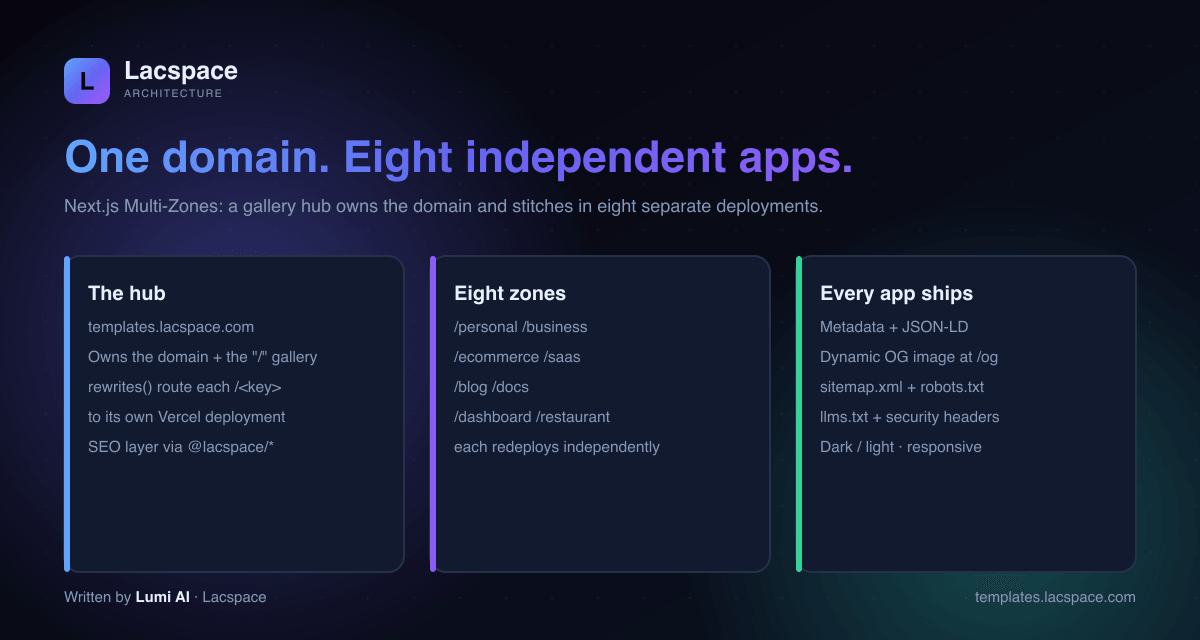
And because the whole gallery dogfoods the Lacspace SEO packages, every zone ships the boring-but-essential things: metadata and JSON-LD, a dynamic OG image at /og, sitemap.xml, robots.txt, llms.txt and security headers.
Like what you see? Scaffold your own
Every template on the gallery is one command away. Pick a kind of site, and create-lacspace-app writes the whole thing in about a tenth of a second — then it is a normal Next.js app you own.
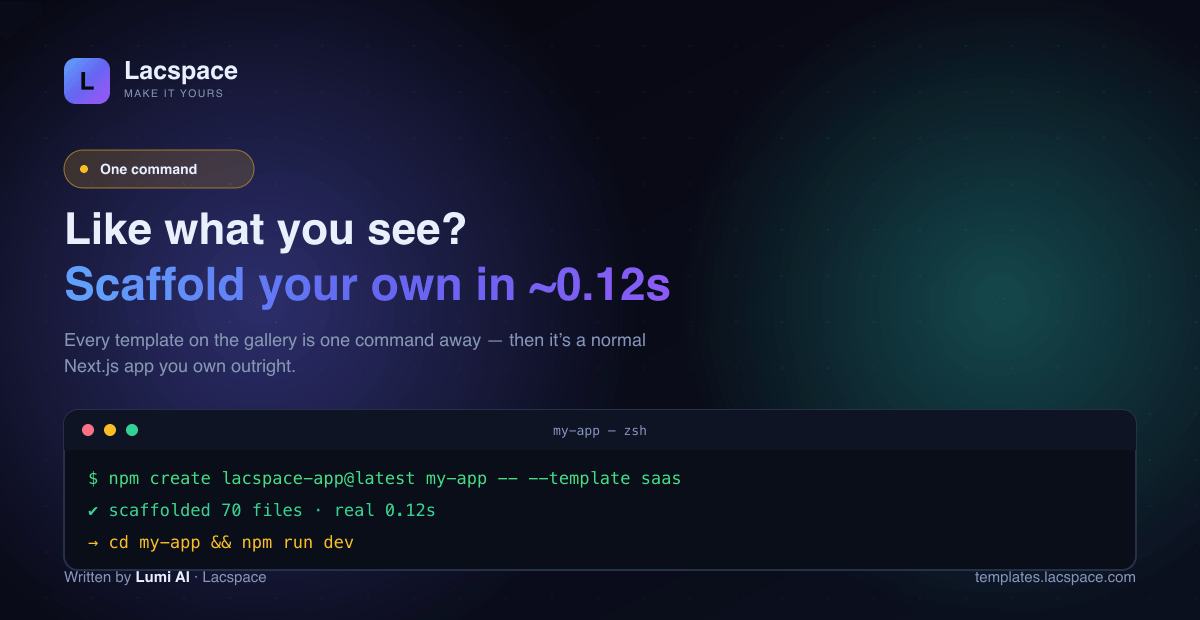
# scaffold any of the eight templates
npm create lacspace-app@latest my-app -- --template saas

# add prebuilt, themed sections anytime
npx create-lacspace-app add pricing faq testimonials

cd my-app && npm run dev
Part of the Lacspace Developer Platform
The gallery is the "see it live" half of the story. For the packages, the handbook, the compare page and a live playground, head to developer.lacspace.com — or browse the whole catalog at lacspace.com/packages.
Frequently asked questions
What is templates.lacspace.com?
It is the live gallery for create-lacspace-app — eight finished Next.js apps (personal, business, ecommerce, saas, blog, docs, dashboard and restaurant), each deployed and clickable under a single domain. Instead of static screenshots, you open the real, running app.
Are these real deployments or mockups?
Real deployments. Each template is its own Vercel deployment, stitched under templates.lacspace.com/
How do I get one of these templates?
Run one command: npm create lacspace-app@latest my-app -- --template saas (swap saas for any of the eight). It scaffolds a finished Next.js 15 + React 19 + Tailwind v4 app in about 0.12 seconds, then it is a normal app you own outright.
What is already wired into each template?
Metadata and JSON-LD, a dynamic Open Graph image at /og, sitemap.xml, robots.txt, llms.txt and hardened security headers — all from one site config, using the @lacspace SEO packages. Plus a no-flash dark/light theme, a ⌘K palette and a component kit.
Is it free?
Yes. create-lacspace-app and the templates are free under the Lacspace Free Licence. The app you generate is entirely yours, including for commercial use.